
Manage & Group Fish Species – Your Target Species Analysis
Fish Species Management in AngelStratege consists of two areas: under Fish Species you manage your own and predefined fish species, and under Species Groups you combine several fish species into your own categories. Together, these are the foundation for a targeted species analysis: every catch is assigned to a fish species, and in your statistics you can evaluate by individual fish species or by an entire species group, whichever you prefer.
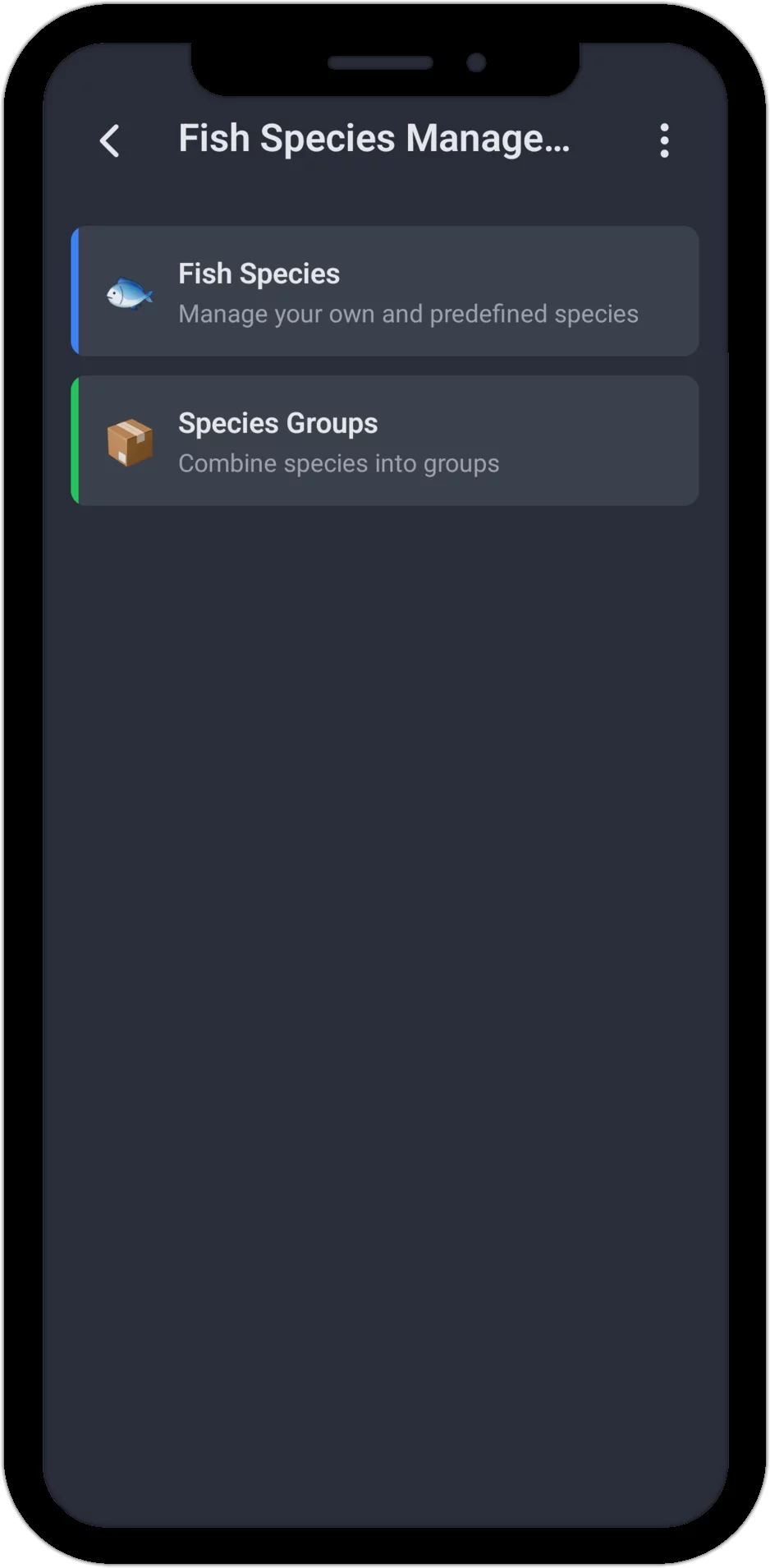
Fish Species: Your Own and Predefined
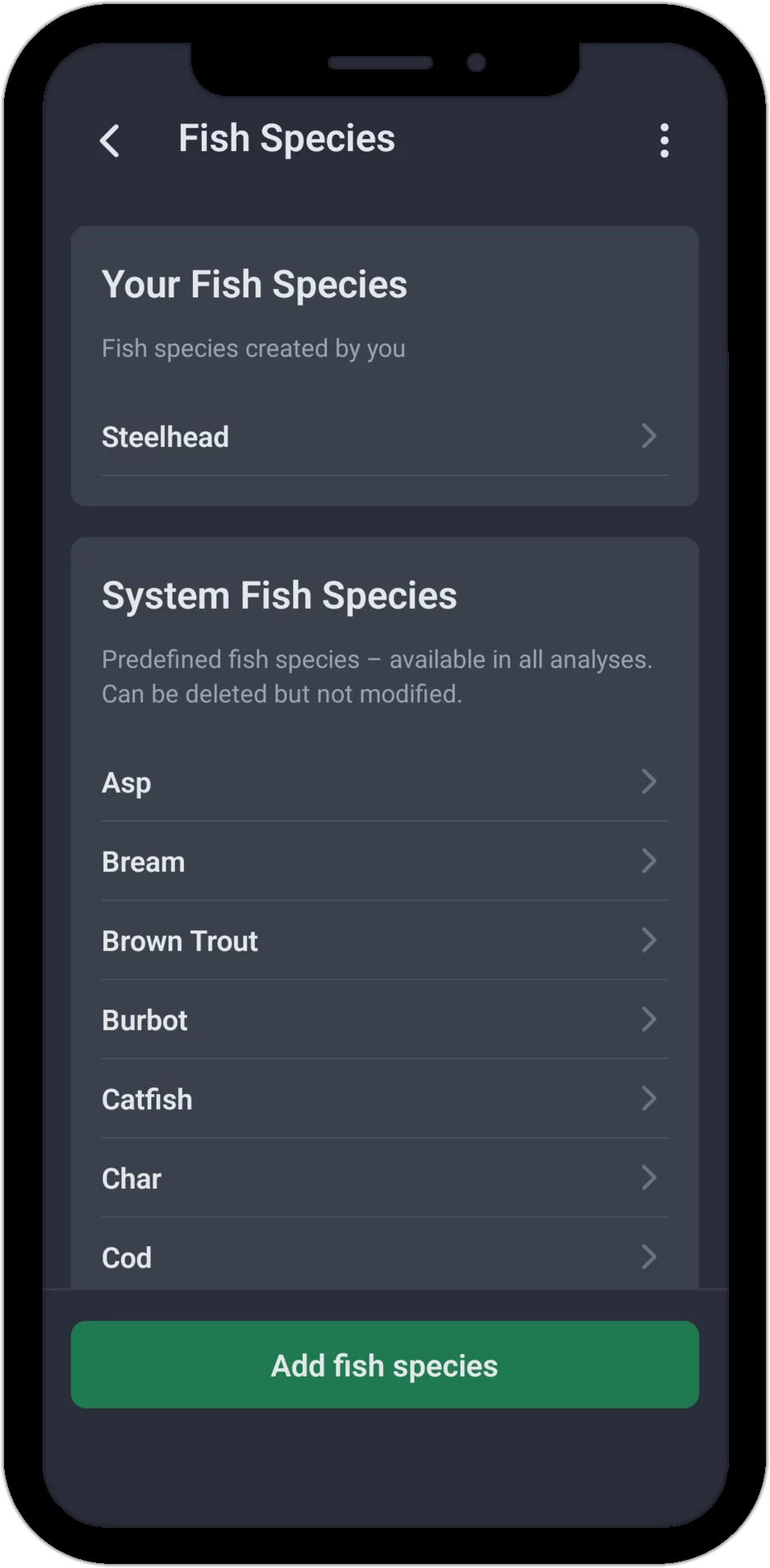
AngelStratege comes with 22 predefined fish species – from predators like pike and zander to coarse fish like carp and bream, plus salmonids, migratory fish, saltwater fish and a few special species. These system fish species are available to you across all statistics, and can be deleted, but not renamed. If a predefined fish species is already used in your catches, the app warns you before deleting it and names the exact number of affected catches – those catches remain intact afterward, they just lose their fish species assignment.
If a fish species is missing, add it yourself via "Add Fish Species" – a name is all it takes, and there's no limit to how many of your own fish species you can create. It's even easier directly while logging a catch: if you type in a name that doesn't exist yet, AngelStratege automatically creates a new fish species for it.
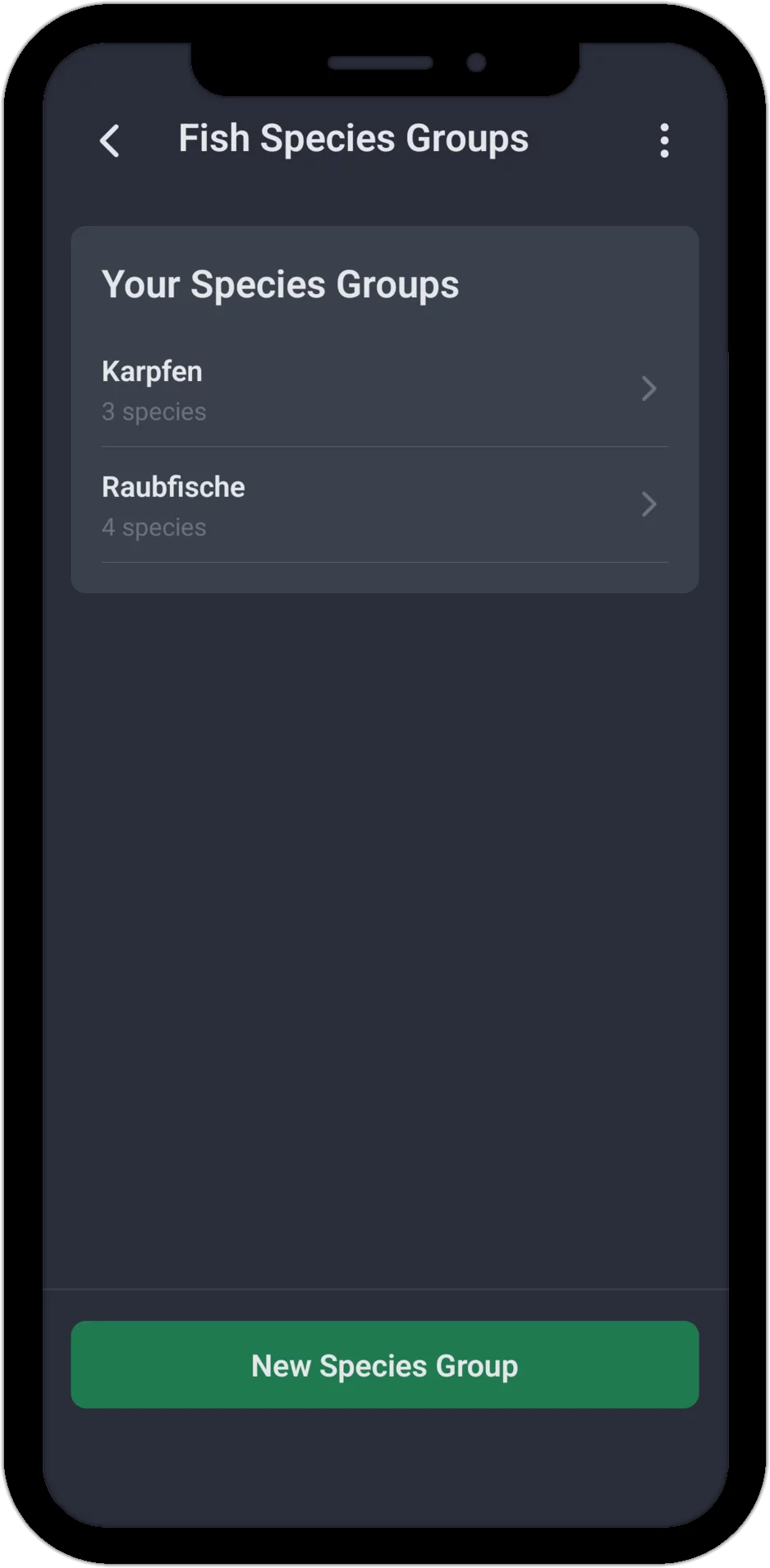
Species Groups: Combine Several Fish Species
With species groups you combine as many fish species as you like into a category of your own – for example, all carp species into a group called "Carp". A fish species can be in several groups at the same time: a mirror carp can be part of both "Carp" and "Coarse Fish". There's no limit to the number of species groups you can create, nor to the number of fish species per group.
Examples of Useful Groups
By Species
- Carp (mirror, common, wild, grass carp)
- Trout (brown, rainbow, lake trout)
- White fish (roach, rudd, bream)
By Fishing Method
- Predators (pike, zander, perch)
- Coarse fish (carp, tench, bream)
- Bait fish (roach, bleak, gudgeon)
By Habitat
- Bottom-dwellers (catfish, eel, burbot)
- Surface feeders (chub, asp)
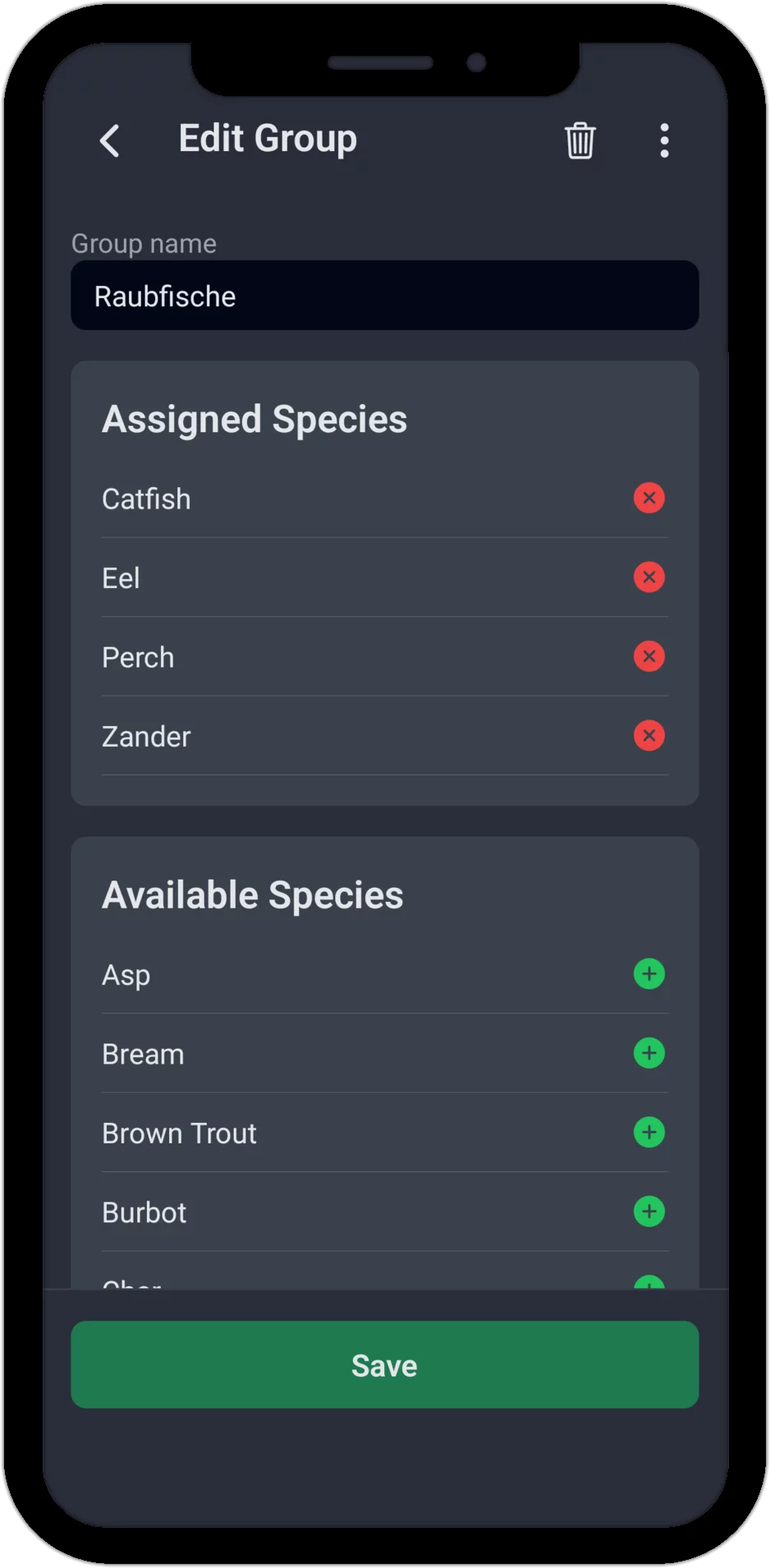
Edit Group: Assign Fish Species
When editing a species group, you see two lists: at the top, the already assigned species, which you can remove with a tap, and below that all available species, which you can add. A group name is required, but assigning fish species is not – a newly created group without any fish species at all is perfectly fine. If you delete a species group again, all fish species it contained remain untouched, of course – only the group itself disappears.
Targeted Analysis by Fish Species or Species Group
In the catch statistics, a switch lets you toggle between "Fish Species" and "Species Group". In species mode, a bar chart shows your catch count per fish species. Switch to a species group instead, and AngelStratege sums up the catches of every species it contains – so when you're evaluating your carp fishing, you no longer have to check each carp variety individually. You'll find the same switch as an additional filter in other statistics too, such as Activities, Weather Analysis, Water Analysis and Hotspots – there it's also optionally extended with an option for bites without an assigned fish species.
Benefits
- Better overview: See at a glance how successful you are for a whole category of fish species
- Meaningful comparisons: Compare groups instead of individual species
- Flexible organization: Build groups that match your own style of fishing, and let a fish species belong to several groups
- No restrictions: Individual fish species remain available separately at all times, with no limit on your own fish species or groups
Start Now – Try the Fishing App for Free
Ready to organize your fish species clearly?
The app already comes with extensive test data from 2 years of fishing – so you
can see right away what AngelStratege can do. No email, no password, no hassle.

