
Manage & Group Baits – Your Bait List in AngelStratege
Bait Management consists of two areas: under Baits you collect every bait you've ever entered in a catch or bite, and under Bait Groups you combine several baits into categories of your own. When you type a bait name while logging a catch or bite, AngelStratege suggests matching, already known baits via autocomplete — and automatically adds a name it doesn't recognize yet to your bait list.
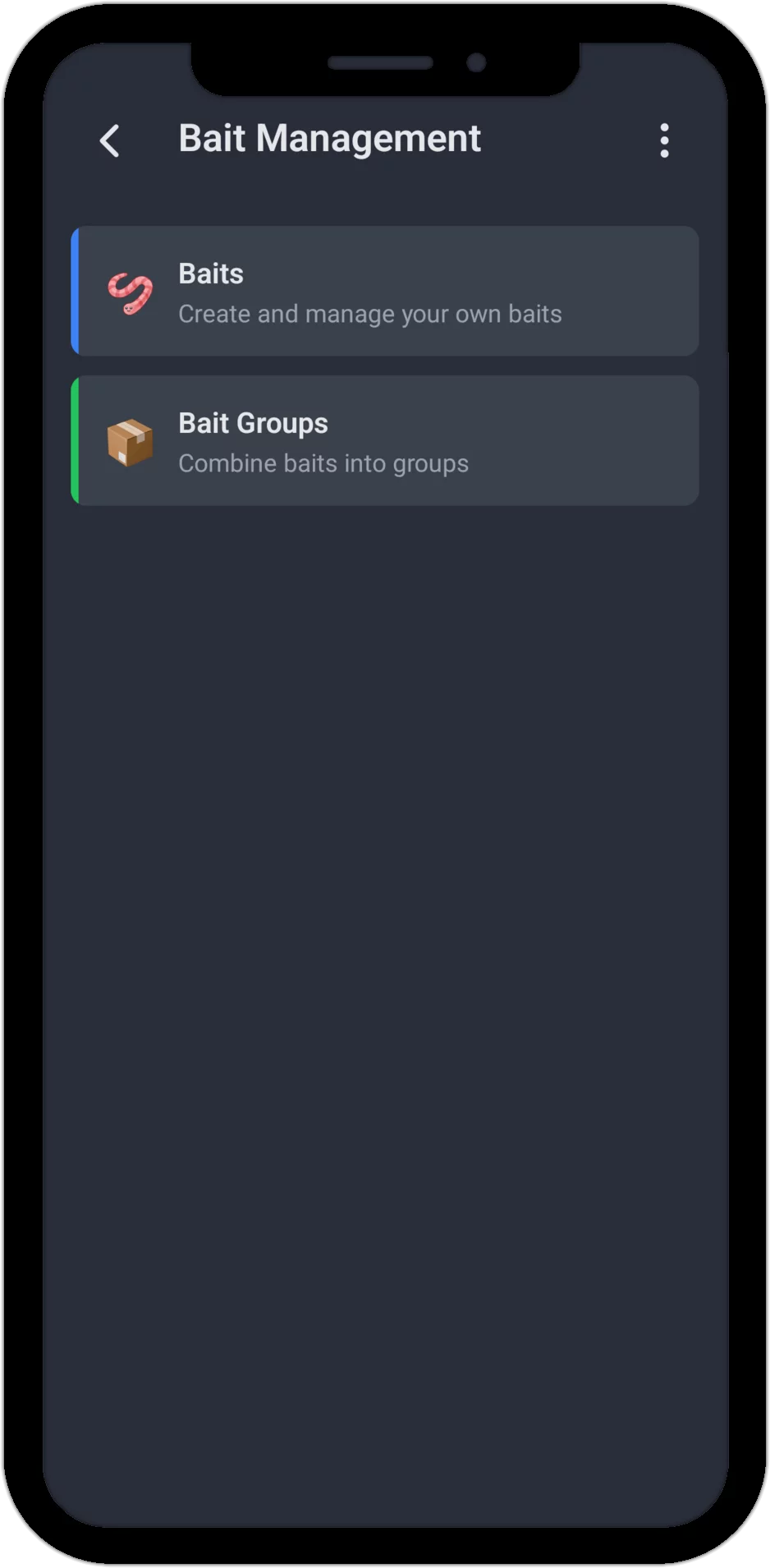
Baits: Your Own List, No Presets
Unlike fish species, there are no predefined entries here — your bait list is entirely your own. Every bait you enter in a catch or bite lands here automatically, in a consistent spelling. Using "Add Bait" you can also add baits directly in the management screen before you ever use them for the first time.
A bait entry consists of nothing but a name — details like color, size or brand go straight into that name, for example "Snap Spinner - red, black 16g". There's no limit to how many of your own baits you can have, and you can rename or delete any bait at any time — catches and bites you've already logged keep their original bait text regardless, since it's saved independently at the time you log them.
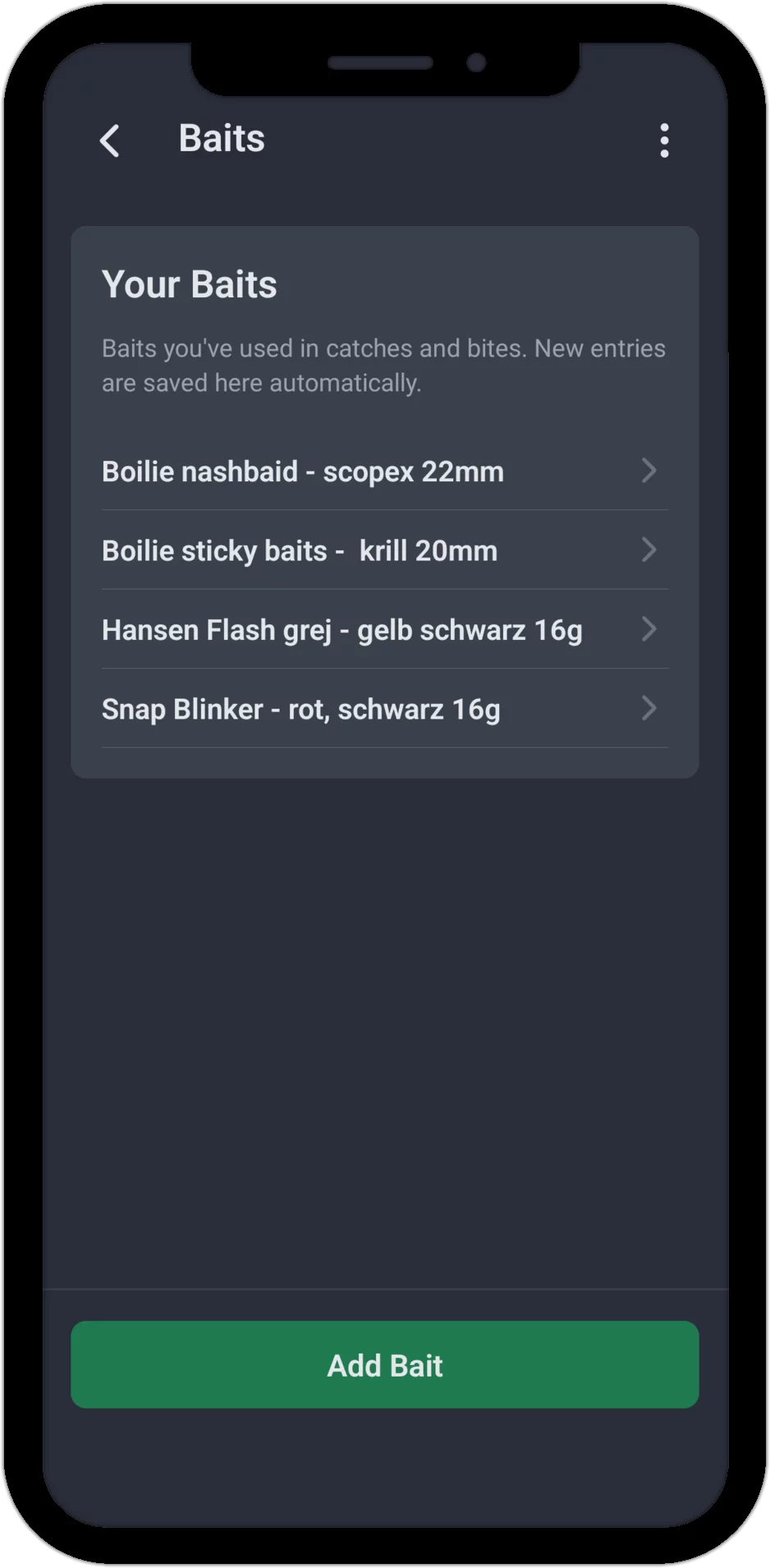
Bait Groups: Combine Several Baits
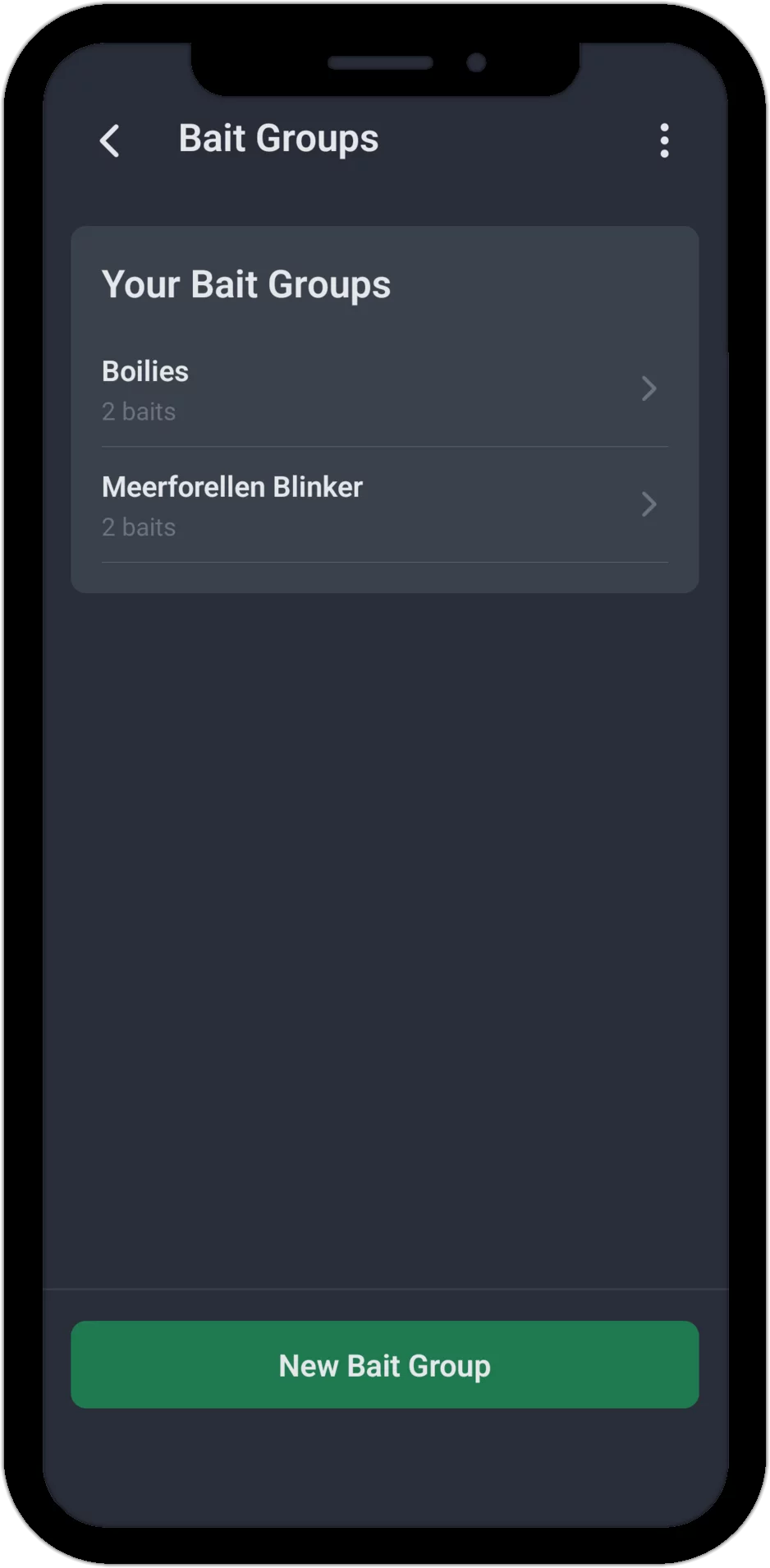
With bait groups you combine as many baits as you like into a category of your own — for example, all your boilie flavors into a group called "Boilies". A bait can be in several groups at the same time: a 12 cm shad can be part of both "Soft Lures" and "Predator Baits". There's no limit to the number of bait groups you can create, nor to the number of baits per group.
Examples of Useful Groups
By Bait Type
- Soft lures (shad, twister, creature baits)
- Hard baits (crankbait, stickbait, popper)
- Metal lures (spinner, spoon, jig)
By Natural Bait
- Worms (earthworm, dendrobena, redworm)
- Maggots & pinkies
- Baitfish (roach, bleak, smelt)
By Target Species
- Carp bait (boilies, pellets, corn)
- Predator bait (soft lures, crankbaits, baitfish)
- Trout bait (spinner, dough, worm)
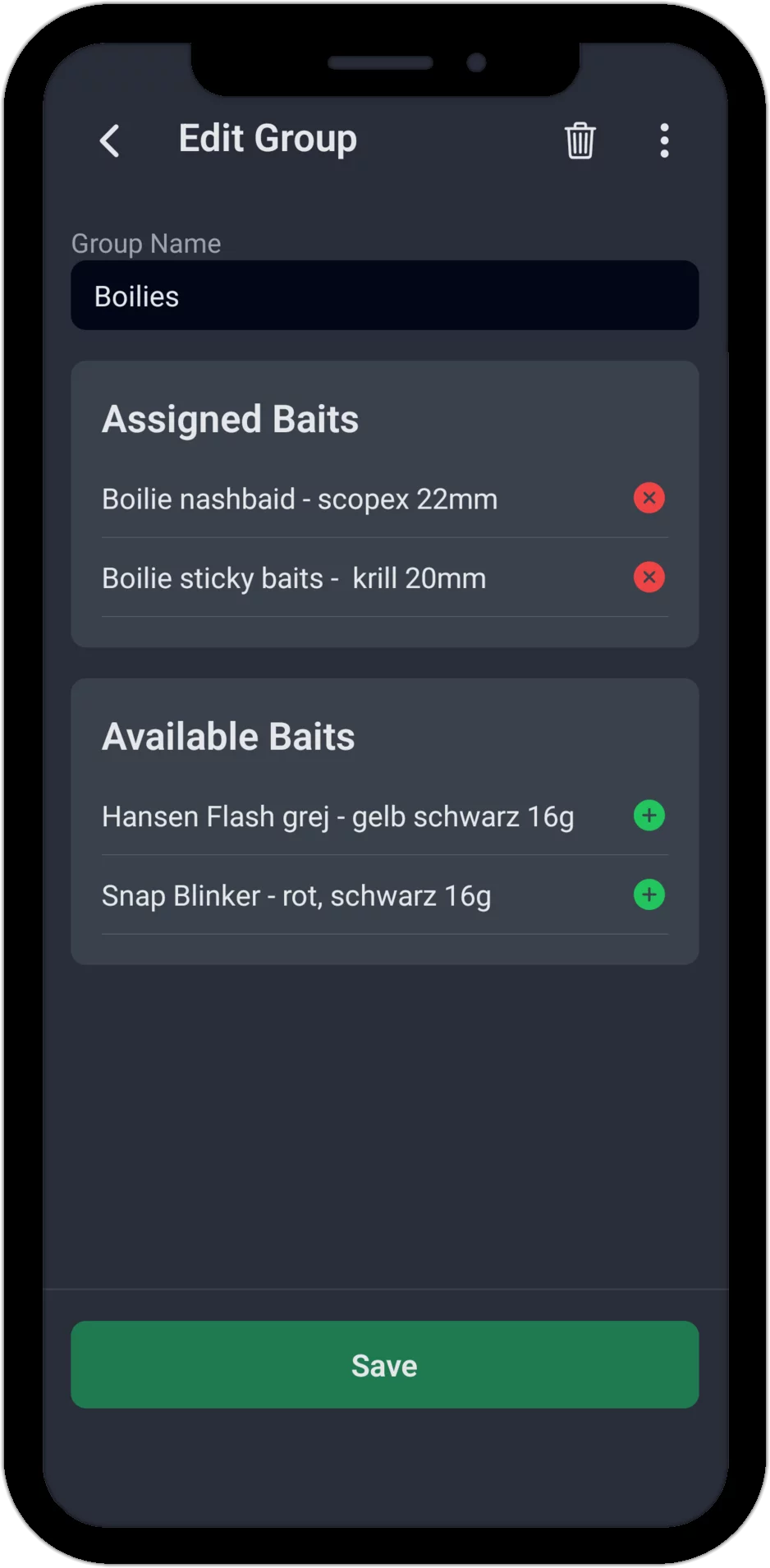
Edit Group: Assign Baits
When editing a bait group, you see two lists: at the top, the already assigned baits, which you can remove with a tap, and below that all available baits, which you can add. A group name is required, but assigning baits is not — a newly created group without any baits at all is perfectly fine. If you delete a bait group again, all baits it contained remain untouched, of course — only the group itself disappears.
Benefits
- Consistent naming: Autocomplete prevents duplicate entries like "Spinner" and "spinner" side by side
- Better overview: Every bait you've ever used, collected in one place
- Flexible organization: Build bait groups that match your own style of fishing, and let a bait belong to several groups
- No restrictions: No limit on the number of your own baits or bait groups
Good to know: Baits and bait groups are currently pure management and organization tools for your bait list. A dedicated statistics feature by bait or bait group — similar to the fish species analysis — does not yet exist in the app.
Start Now – Try the Fishing App for Free
Ready to organize your bait clearly?
The app already comes with extensive test data from 2 years of fishing – so you
can see right away what AngelStratege can do. No email, no password, no hassle.

